Open Port Checker
Test whether a TCP port is open on any public IP or host: check your port forwarding, or scan the common ports at once.
Common TCP ports and what they are for
The scan above tests the first 21 at once. The last two are typical port forwarding cases: enter them by hand.
| Port | Service | What it is for |
|---|---|---|
| 21 | FTP | File transfer (FTP). Sends passwords in clear text: SFTP over port 22 replaces it. |
| 22 | SSH | Remote shell and file transfer (SSH, SFTP) on Linux servers and network gear. |
| 25 | SMTP | Mail between servers (SMTP). Often blocked on home connections to stop spam. |
| 53 | DNS | DNS over TCP: large answers and zone transfers. Ordinary lookups use UDP. |
| 80 | HTTP | Websites without encryption (HTTP), usually just a redirect to HTTPS. |
| 110 | POP3 | Downloading mail (POP3), unencrypted. Port 995 is the TLS version. |
| 143 | IMAP | Reading mail on the server (IMAP), unencrypted. Port 993 is the TLS version. |
| 443 | HTTPS | Websites and APIs over TLS (HTTPS). The port most likely to be open anywhere. |
| 465 | SMTPS | Sending mail from a mail client over TLS from the first byte (SMTPS). |
| 587 | SMTP-TLS | Sending mail from a mail client, upgraded to TLS with STARTTLS (submission). |
| 993 | IMAPS | IMAP over TLS: what phones and mail apps use to read a mailbox. |
| 995 | POP3S | POP3 over TLS: downloading mail with encryption. |
| 3306 | MySQL | MySQL and MariaDB databases. Should not be reachable from the whole internet. |
| 3389 | RDP | Windows Remote Desktop (RDP). A constant target of brute-force attempts when open. |
| 5060 | SIP | Internet telephony signalling (SIP), for VoIP phones and switchboards. |
| 5432 | PostgreSQL | PostgreSQL databases. Like MySQL, best kept behind a firewall or a VPN. |
| 6379 | Redis | Redis, an in-memory database. Without a password, an open Redis is taken over within hours. |
| 6443 | Kubernetes | The Kubernetes API server, which controls a whole cluster. |
| 8080 | HTTP-Alt | Alternative HTTP port: proxies, admin panels, development servers. |
| 8443 | HTTPS-Alt | Alternative HTTPS port, common for appliance and router admin pages. |
| 27017 | MongoDB | MongoDB databases. Thousands of open, passwordless ones have been wiped by ransom bots. |
| 25565 | Minecraft | Minecraft Java Edition servers: the classic port forwarding case on a home router. |
| 32400 | Plex | Plex Media Server, for watching your library from outside your home. |
About port checks
A port check opens a TCP connection to a specific port and reports whether it completes. Where ping tells you a machine answers, this tells you a particular service is listening and reachable: the distinction that matters when a database or an API is unreachable but the host pings fine.
- Our test serverInternet, from Falkenstein (Germany)Opens a TCP connection to
203.0.113.42:25565Before the router: CGNATYour provider shares one public address between many customers: the router's WAN address is in 100.64.0.0/10 or private. The test stops at the provider, and no rule on your side can help.
The test shows: filtered
- Your routerThe only device the internet seesPublic address
203.0.113.42Forwarding rule25565 → 192.168.1.20:25565No rule, or the wrong local addressThere is no rule for this port, or it points to an old address of the device (handed out again by DHCP): reserve its address in the router.
Usually: filtered
- The deviceHere, a Minecraft serverLocal address
192.168.1.20Listening onTCP 25565On the device: firewall or no serviceIts firewall drops the connection, or the service is stopped or only listens on 127.0.0.1.
Firewall: filtered. No service: closed.
TCP only: UDP has no handshake, so a silent port proves nothing either way.
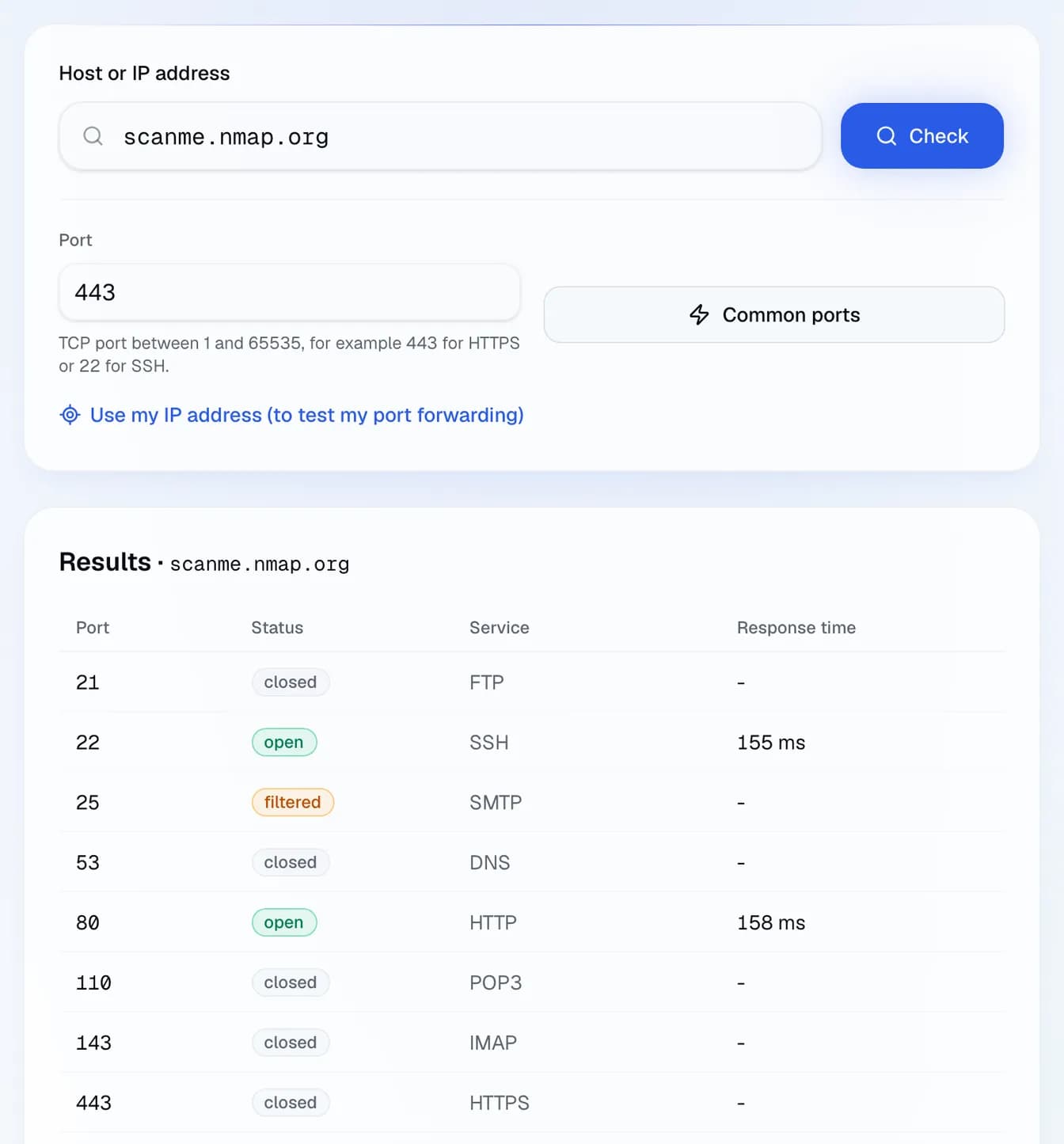
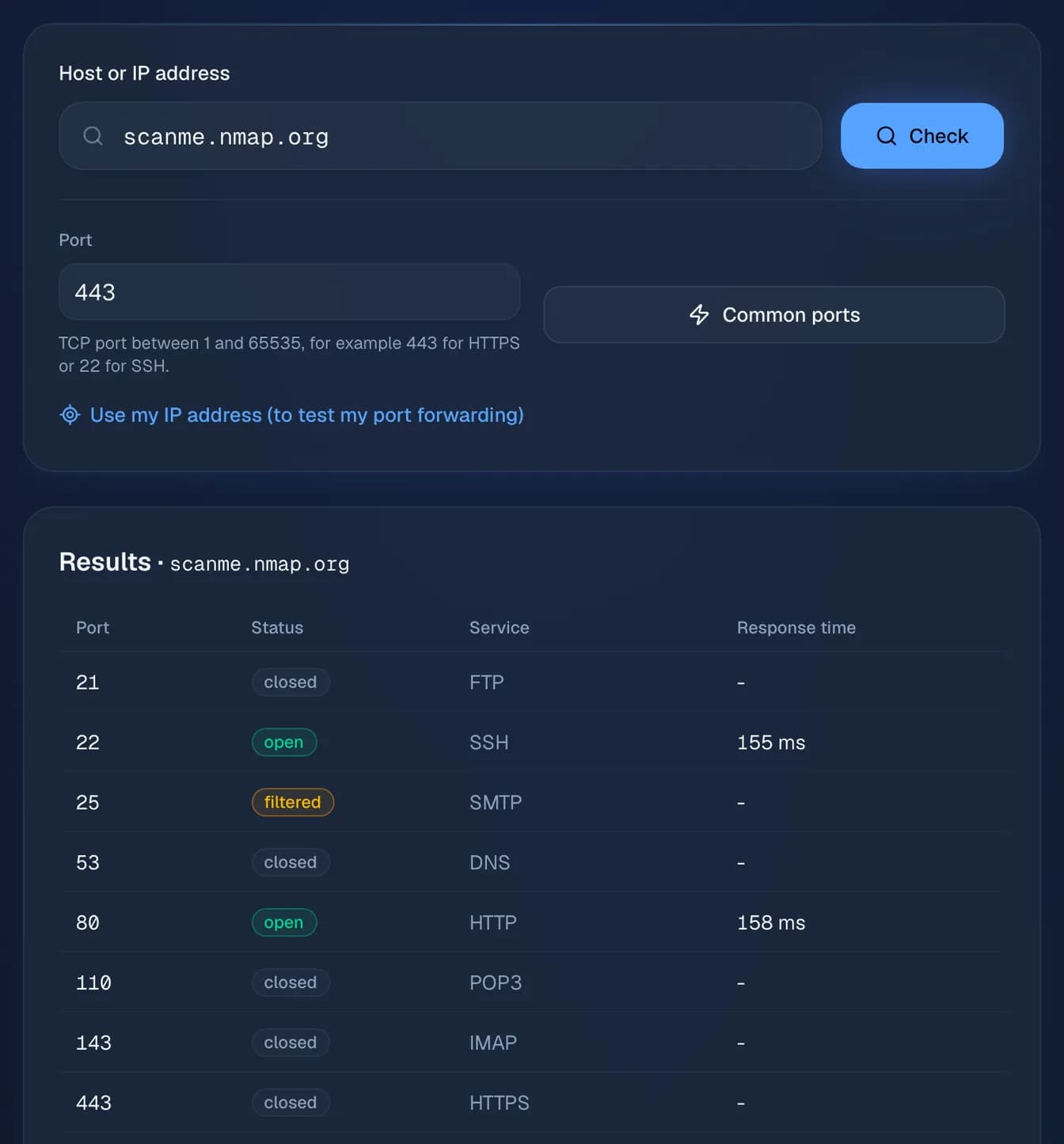
Three outcomes are worth distinguishing. An open port completed the handshake: the service is up and reachable from outside. A refused connection means something answered but nothing is listening: usually the service is stopped. A timeout means nothing answered at all, which almost always points to a firewall silently dropping the traffic rather than a stopped service.