DNS Lookup
Query DNS records for any domain. View A, AAAA, MX, NS, CNAME, TXT, and SOA records instantly.
About DNS lookups
A DNS lookup asks the naming system what a domain currently resolves to. It is the first thing to check when a site is unreachable but the server is up: if the A record points somewhere unexpected, or the record has not propagated yet, nothing downstream will work no matter how healthy the host is.
- Your device
Asks its resolver:
example.com A ? - Recursive resolver1.1.1.1
Answers from its cache if it holds the record. Otherwise it asks each level in turn, from the root down.
- Root server (.)
Does not know example.com: refers to the .com servers.
com. NS a.gtld-servers.net. - .com server
Refers to the servers of example.com.
example.com. NS ns1.example.com. - Authoritative server
Holds the zone and answers, with a TTL of 3,600 seconds.
example.com. 3600 A 192.0.2.10 - Answer cached, then returned
The resolver keeps the answer for one hour and returns it. Until the TTL runs out, everyone using it gets 192.0.2.10, even if the record has changed: that is the propagation delay.
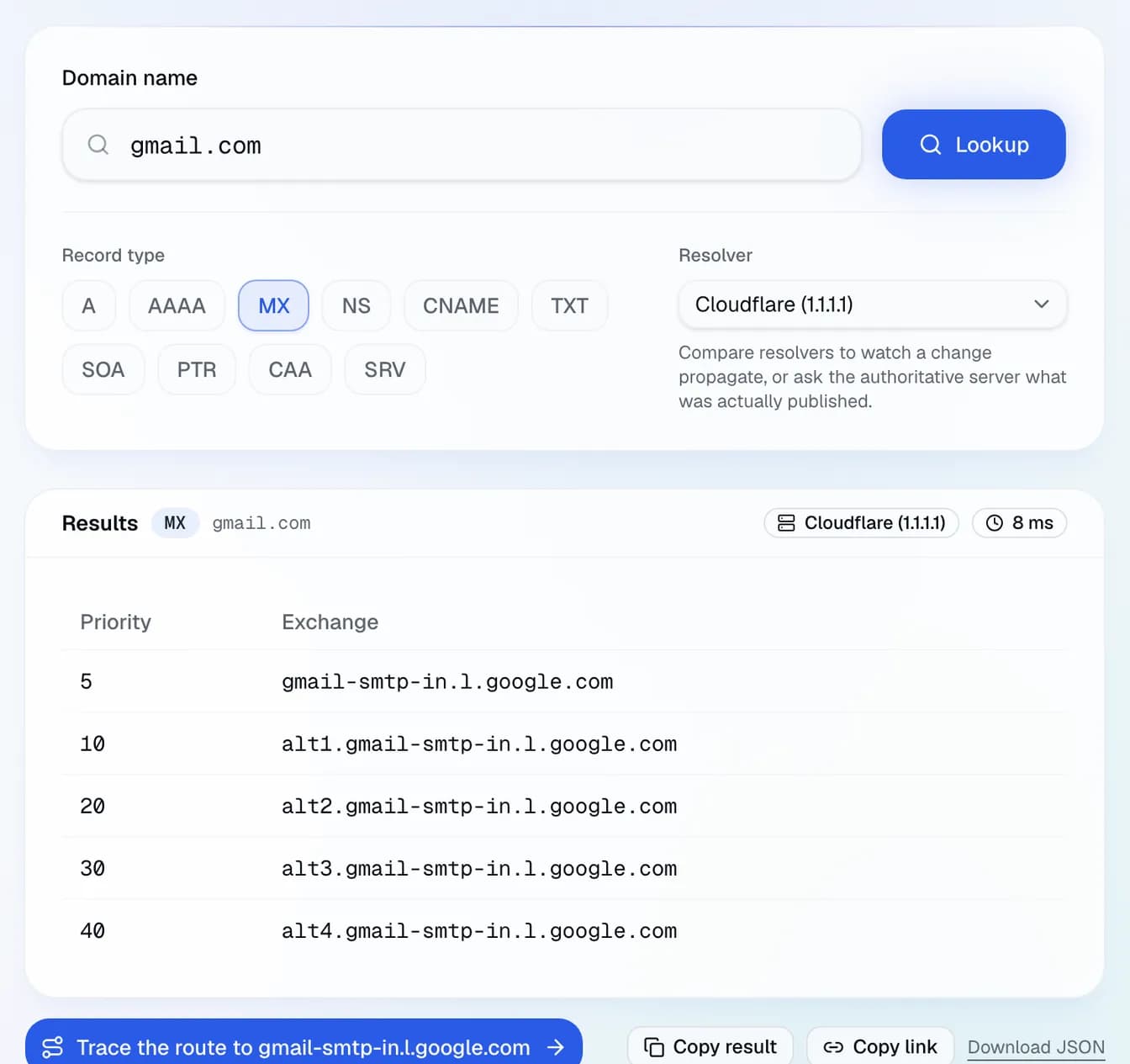
Read the answer alongside its TTL. A short TTL means the record was recently changed or is deliberately agile; a long one means resolvers may serve the old value for hours after you update it. MX records tell you who handles the domain's mail, NS records who is authoritative for it, and a missing SOA usually means the domain is not delegated at all.
Frequently asked questions
Why does my DNS change not show up yet?
What is the difference between A and AAAA?
Why do I get a different answer than my colleague?
Does this tool query authoritative servers?
Related guides
Related tools
Go further
Network glossary: Reverse DNS, Anycast, TTL