Ping
Test the reachability and latency of any host
About ping
Ping answers one question: can this host be reached, and how long does a round trip take? It sends a small ICMP echo request and times the reply. It is the fastest way to separate "the network is down" from "the application is broken".
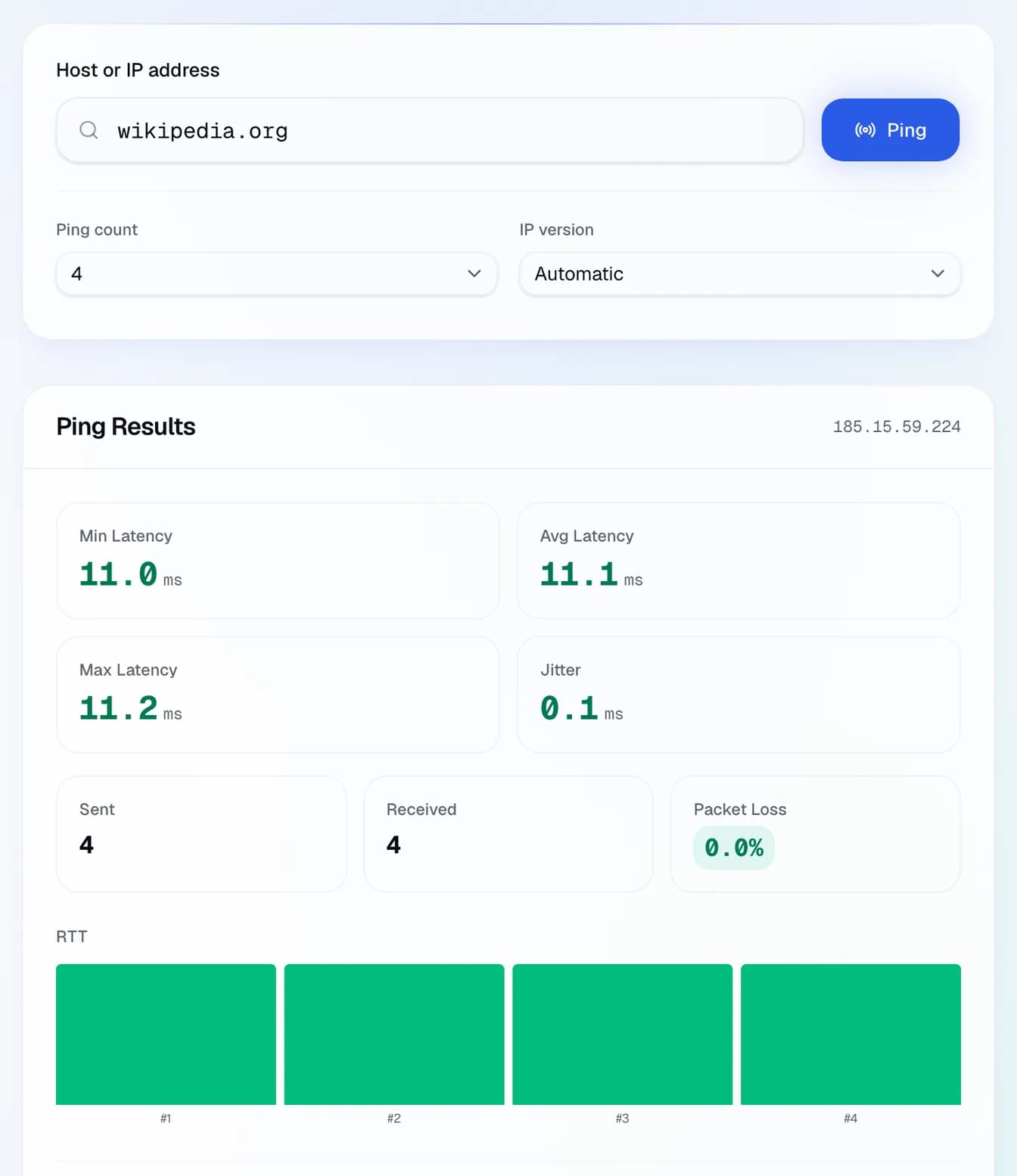
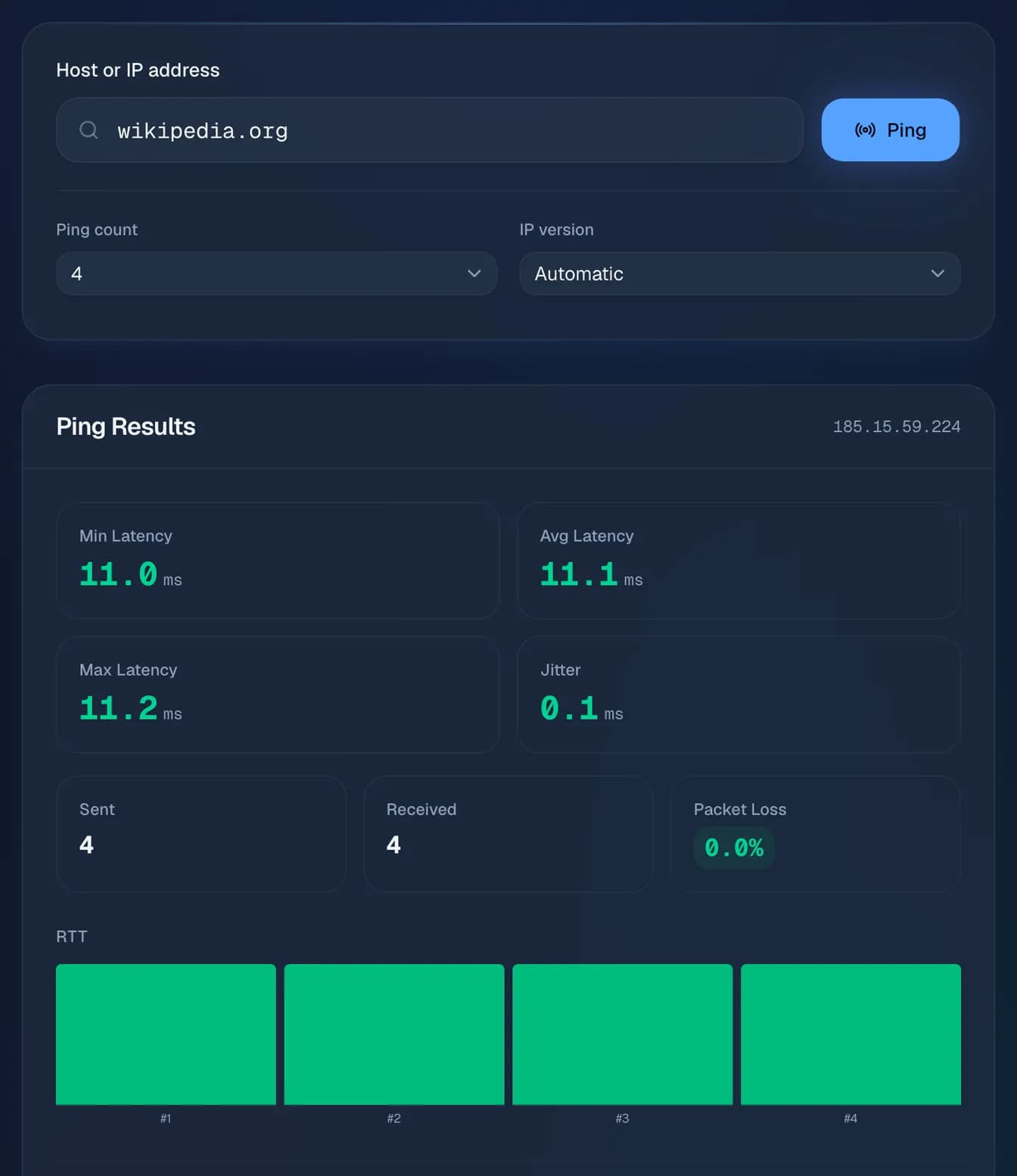
Look at three numbers together. Average latency tells you the distance and the quality of the path. Jitter (the spread between successive replies) is what breaks calls and games even when the average looks fine. Packet loss above zero on a sustained basis means something on the path is dropping traffic. A host that ignores ping entirely is not necessarily down: many servers are configured not to reply.
Frequently asked questions
What is a good ping?
Within a country, under 30 ms is comfortable. Across a continent, 30–80 ms is normal. Intercontinental links start around 100 ms and cannot go below what the speed of light allows, roughly 1 ms per 100 km of fibre, doubled for the round trip.
Why is my ping fine but the site still slow?
Ping measures the network, not the application. A fast round trip with a slow page usually points at the server, the database or the amount the page downloads, not the path.
The host does not reply. Is it offline?
Not necessarily. Plenty of hosts and firewalls drop ICMP on purpose. Try a TCP port check on a port the host actually serves before concluding anything.
Why does jitter matter more than latency?
Real-time protocols buffer for a stable delay. A steady 90 ms is workable; 40 ms that jumps to 200 ms is not, because the buffer either runs dry or adds delay to compensate.